

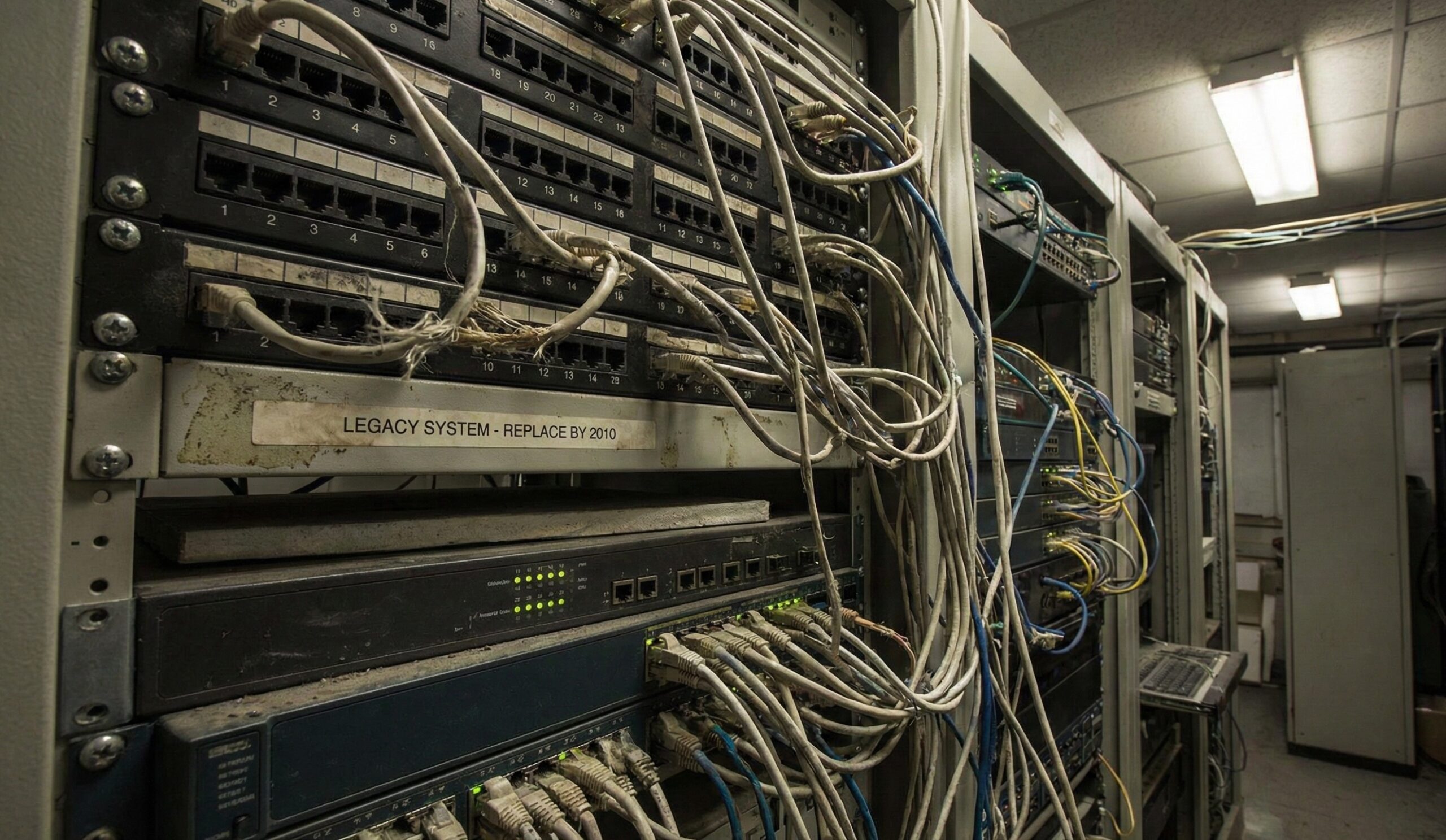
Every business owner and facility manager eventually faces the same difficult question standing in front of a server rack: Do we repair this aging equipment to save money, or is it time to bite the bullet and replace it?
It is a classic budget battle. On one side, you have the desire to maximize ROI and keep capital expenditures low. On the other, you have the creeping reality of hardware failure. But there is a third factor that often gets ignored until it’s too late: Security.
At CORE Cabling, we believe that deciding when a repair stops being cost-effective and starts being a liability is one of the most critical decisions you can make for your infrastructure.
The Awareness Gap: The Insurance Analogy
Most businesses don’t actively track the age of their switches, routers, or access points. The hardware sits in a closet, blinking away, largely ignored as long as the internet works.
Think of your network infrastructure like insurance. Most people don’t think about their policy details until a disaster hits. By then, it’s too late to change your coverage. Similarly, many organizations don’t think about the status of their network hardware until a critical failure halts operations.
The goal of this post isn’t to scare you, but to prompt a proactive check. You don’t want to find out your “policy” has expired—or your hardware is End-of-Life (EoL)—in the middle of a crisis.
The Hidden Risks of End-of-Life (EoL) Equipment
Holding onto legacy equipment isn’t just “thrifty”; it can be dangerous. When hardware reaches its End-of-Life status, two major risks emerge:
1. Operational Failures
Old gear is tired gear. As components age, they become prone to overheating, port failures, and sporadic dropouts.
- Increased Downtime: Troubleshooting intermittent issues on old hardware takes twice as long as on modern systems.
- The Cost of “Quick Fixes”: Sourcing parts for discontinued models is often expensive and time-consuming, leading to higher repair costs than the unit is actually worth.
2. Security Risks (The Liability Factor)
This is the most dangerous aspect of aging infrastructure. Think of your network switch or router like a smartphone. If you are using a phone from 10 years ago, it can no longer run the latest operating system.
When manufacturers declare a device EoL, they stop releasing firmware updates and security patches.
Take the Cisco Catalyst 2960-X series as a prime example. Once a staple in server rooms everywhere, it reached its End of Software Maintenance in October 2023. Similarly, the popular Aruba 200 Series access points hit their End of Support Life in early 2023. If your business is still running these, you are relying on a safety net that has been removed.
If a new vulnerability is discovered (and they are discovered daily), your old equipment will not be patched. It remains a permanent open door for cyberattacks. In this scenario, a functioning switch isn’t an asset; it is a security liability waiting to be exploited.
The CORE Cabling Checklist Approach
How do you know if you are in the danger zone? We recommend using a simple “IT Room Checklist Approach” to assess your current risk level.
Ask yourself these two questions immediately:
- Do you know exactly how old your core network equipment is?
- If you have to guess, or if you don’t have an inventory list with installation dates, that is an immediate red flag.
- What would the immediate impact be if your core switch went down right now?
- Don’t just say “no internet.” Think about the domino effect: lost revenue, halted operations, inability to process payments, and potential data loss.
Specific Equipment to Inventory
If you are ready to assess your network, start by locating and checking the status of these critical assets. If any of these are over 5–7 years old, they likely need attention.
Network Infrastructure
- Core and Edge Switches: The backbone of your data flow.
- Routers and Firewalls: Your first line of defense against external threats.
Connectivity & Access
- Access Points (Wi-Fi): Older APs not only slow down speed but often lack modern encryption standards (like WPA3).
Communications
- VoIP Technology / Phone Systems: Legacy PBX systems can be difficult to integrate with modern unified communications.
Security & Surveillance
- CCTV Cameras and NVRs: Modern IP cameras are essentially small computers on your network. If they are outdated, they can be used as a backdoor into your wider network.
Conclusion: Repair or Replace?
The decision to repair or replace shouldn’t be a guess; it should be a calculation based on age, the cost of downtime, and unmitigated security risk. If your equipment is unsupported by the manufacturer, you are gambling with your business security every day it remains plugged in.
Don’t wait for the outage to decide your strategy.
Contact CORE Cabling today for a professional network equipment audit. We will help you inventory your current environment, identify EoL risks, and map out a cost-effective upgrade path.
Read also: Is Your Network Gear at End of Life?
Featured Image created using Google Gemini.
